Best IPTV App 2026 – 10 Apps Compared for Every Device
TiviMate, Smarters, IPTV Extreme, IBO, Duplex, Nanomid and more: which runs on your device, what it costs and what you get – with a comparison table.
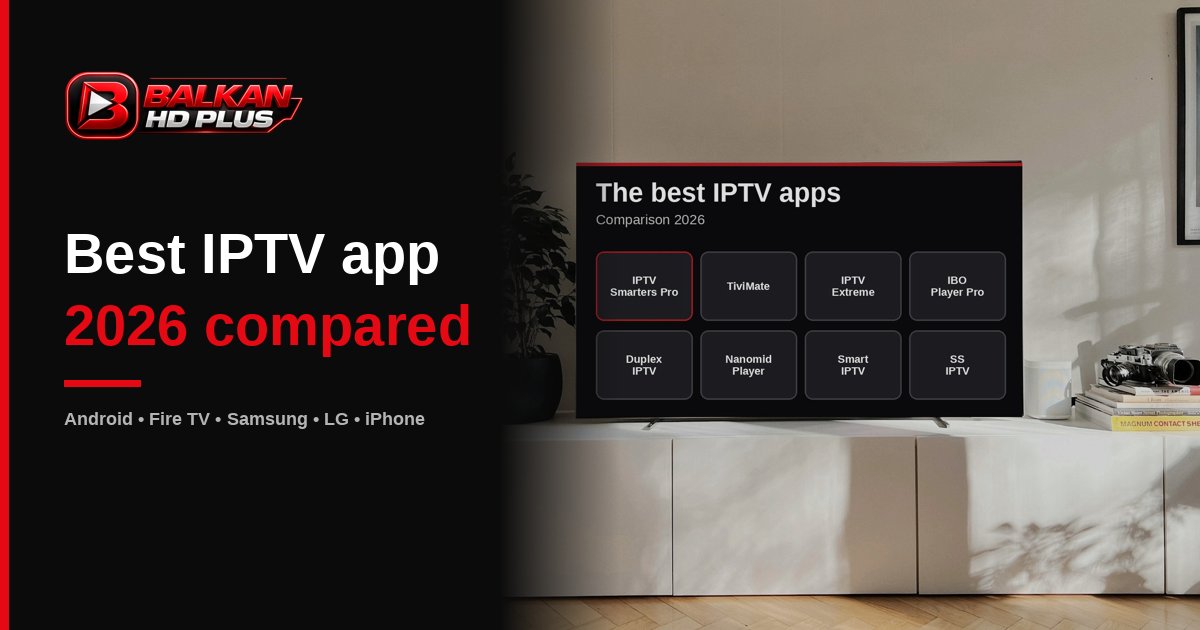
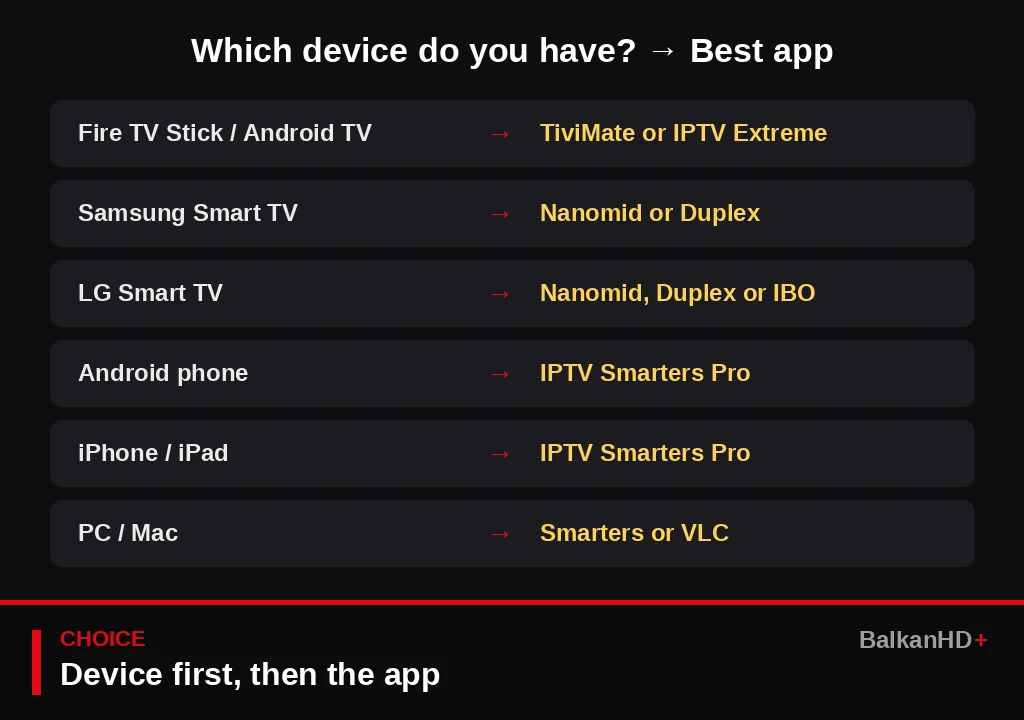
Short answer: there's no single “best” IPTV app for everyone – the best one is the one that runs on your device. For Fire TV Stick and Android TV that's TiviMate (or the free IPTV Extreme), for Samsung and LG it's Nanomid or Duplex, and for phones, iPhone and computers it's IPTV Smarters Pro. Below is a comparison table of 10 apps our customers use in 2026, with honest pros and cons.
The best app for each device
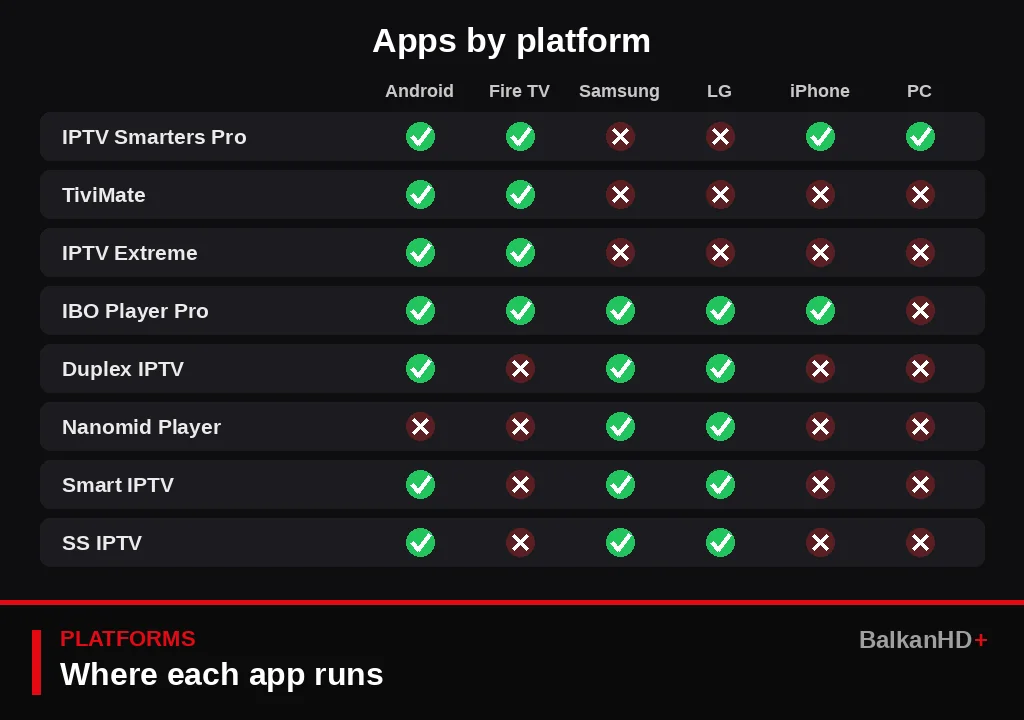
IPTV app comparison table 2026
| App | Devices | Price | Login | Best for |
|---|---|---|---|---|
| IPTV Smarters Pro | Android, Fire TV, iPhone, PC | Free | Xtream + M3U | Phones and iPhone, beginners |
| TiviMate | Android TV, Fire TV | Free basic, paid Premium | Xtream + M3U | Cable-style TV guide |
| IPTV Extreme | Android, Fire TV | Free (Pro without ads) | Xtream + M3U | Weaker and older devices |
| IBO Player Pro | Samsung, LG, Android, Fire TV, iPhone | Trial, then licence | Xtream + M3U | Same app on every device |
| Duplex IPTV | Samsung, LG, Android | Trial, then licence | Xtream + M3U | Smart TV, clean interface |
| Nanomid Player | Samsung, LG | Trial, then licence | OTP code from phone | Easiest setup on a TV |
| Room IPTV | Samsung, LG, Android TV | Trial, then licence | Xtream + M3U | Setup via website |
| Smart IPTV | Samsung, LG, Android | One-off licence | M3U only | Older Smart TV models |
| SS IPTV | LG, Samsung, Android | Free | M3U only | No app cost |
| VLC | PC, Mac, phone | Free | M3U only | Quick viewing on a computer |
Licences are paid to the app developers, not to us, and prices change from time to time – always check the app's official website. Your BalkanHD+ subscription is the same whichever app you choose.
In detail: pros and cons
TiviMate – best for Fire TV Stick and Android TV
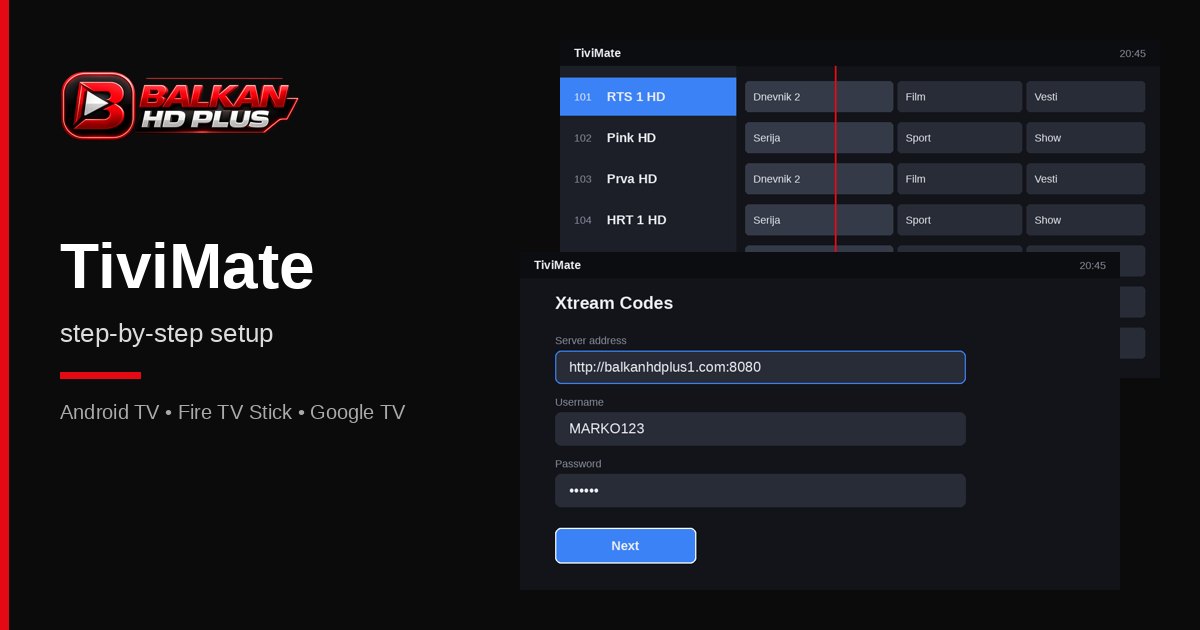
The TV guide looks like cable TV: channels on the left, shows on the right, navigated with the remote. Premium adds favourites, catch-up, recording and multiple playlists. Downside: not available for Samsung, LG or iPhone.
IPTV Smarters Pro – best for phones, iPhone and computers
Free, simple and available almost everywhere – the first choice for beginners. Movies and series are neatly separated. Downside: the Samsung and LG stores have copies with similar names and paid activation – watch what you install.
IPTV Extreme – best free app for weaker devices
Light and fast even on older Fire TV Sticks and cheap boxes, with recording and a TV guide. Downside: dated interface, and the free version shows ads.
IBO Player Pro – one app for every device
The same look on TV, phone and Fire TV; you add your list via the website, no typing with the remote. Downside: a licence is required after the trial, and there are several copies with different activation sites.
Nanomid and Duplex – best for Samsung and LG
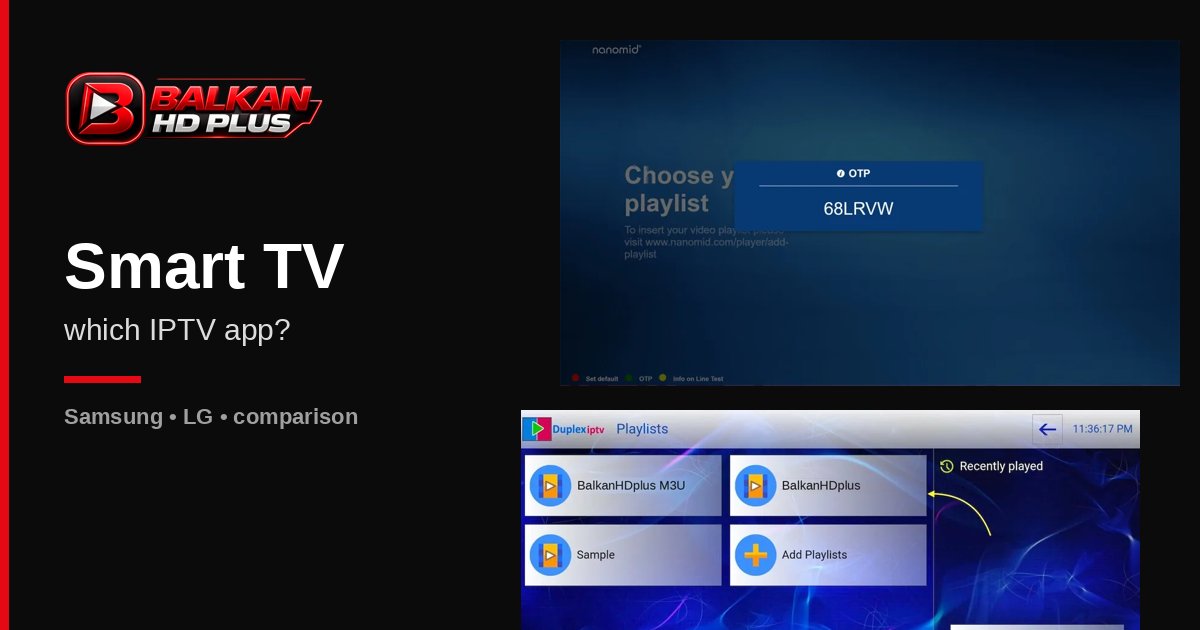
Nanomid is set up in 3 minutes with an OTP code from your phone; Duplex has a clear interface with Xtream login. Full TV comparison: IPTV on Smart TV – which app.
Smart IPTV and SS IPTV – for older TVs
They work where newer apps don't exist, but accept only M3U links and don't separate movies and series. We explain the difference in M3U or Xtream Codes.
Ready to start?
First month €6. After that, €10/month or €100/year. No obligation to renew.
How to choose: 5 criteria
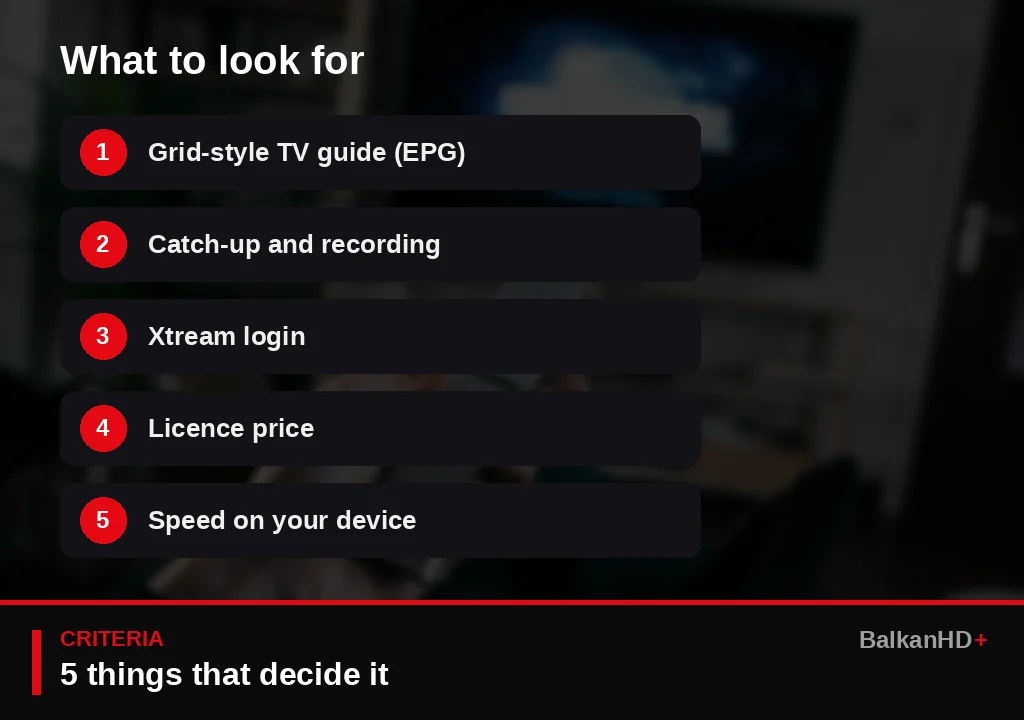
- TV guide (EPG) – if you watch like “classic TV”, pick an app with a grid guide (TiviMate, IBO, Duplex).
- Catch-up and recording – key for sport and series; best handled by TiviMate Premium and IPTV Extreme.
- Xtream login – automatic TV guide, movies and series; avoid M3U-only apps if you have the choice.
- Licence price – Smarters, Extreme and SS IPTV are free; the others have a trial.
- Speed on your device – try two apps with the same details and keep the one that opens channels faster.
What to watch out for
- Fake copies – install only from the official store or official website; never pay for activation on unknown pages.
- The app has no channels – every one of these apps is just a player. Channels, movies and series come from your BalkanHD+ subscription.
- Fire TV Stick with Vega OS – the newest models can't sideload apps; more in IPTV on Fire TV Stick 2026.
Frequently Asked Questions
What is the best free IPTV app?
IPTV Extreme for Android and Fire TV, IPTV Smarters Pro for phones and iPhone, SS IPTV for LG and Samsung.
What is the best IPTV app for Fire TV Stick?
TiviMate for its TV guide, or IPTV Extreme if you want a free, lightweight app.
What is the best IPTV app for Samsung TV?
For 2016 models and newer, Nanomid Player or Duplex IPTV.
What is the best IPTV app for iPhone?
IPTV Smarters Pro – free, with Xtream login, movies and series.
Can I use the same subscription in several apps?
Yes, you can enter your details in several apps; watching on several devices at once depends on the connections in your plan.
How much does BalkanHD+ cost?
You can start with a paid 6€ trial month and try two or three apps before deciding. All packages are on the pricing page.
Ready to start?
First month €6. After that, €10/month or €100/year. No obligation to renew.
Picked your app? Step-by-step guides for each are on the tutorials page.