TiviMate Setup Guide 2026 – with Screenshots (Fire TV, Android TV)
Add BalkanHD+ via Xtream Codes, set up the TV guide (EPG), favourites and catch-up in 9 steps – plus Premium and supported devices.
Note about apps: Your BalkanHD+ subscription does not include any app fees. Some apps are free, while others are paid separately to their developer. We are not affiliated with these app developers.
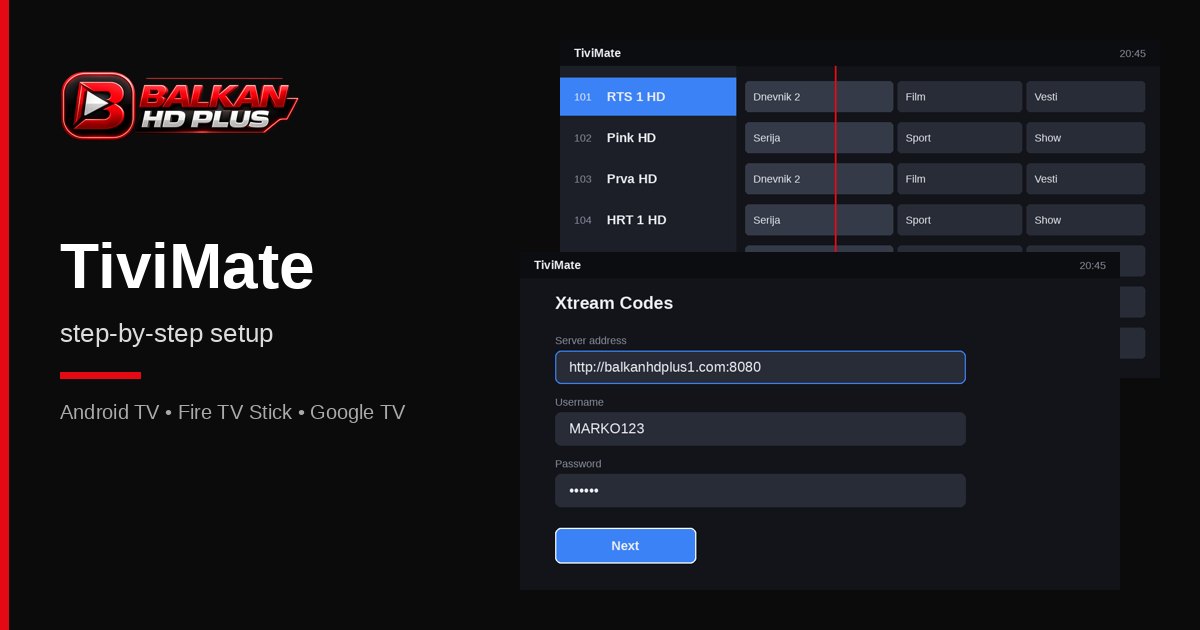
TiviMate is, for many, the best IPTV app for the TV: fast, with a clear cable-style TV guide, catch-up, favourites and recording. It runs on Android TV, Google TV, the Fire TV Stick and Android TV boxes. In this 2026 guide we add the BalkanHD+ list with an Xtream Codes login and set up the TV guide (EPG) and favourites – 9 steps with pictures.
Before you start: which devices run TiviMate
- Works: Fire TV Stick (4K, 4K Max, Lite), Android TV and Google TV televisions (Sony, Philips, TCL, Hisense with Google TV), Nvidia Shield, Xiaomi Mi Box, Chromecast with Google TV.
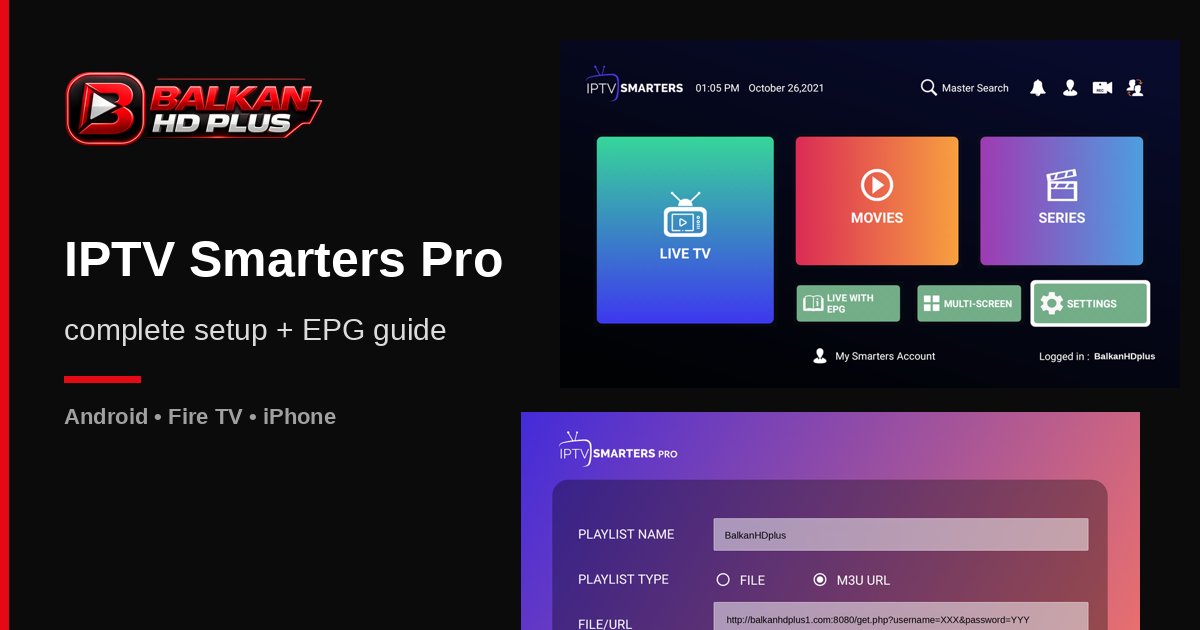
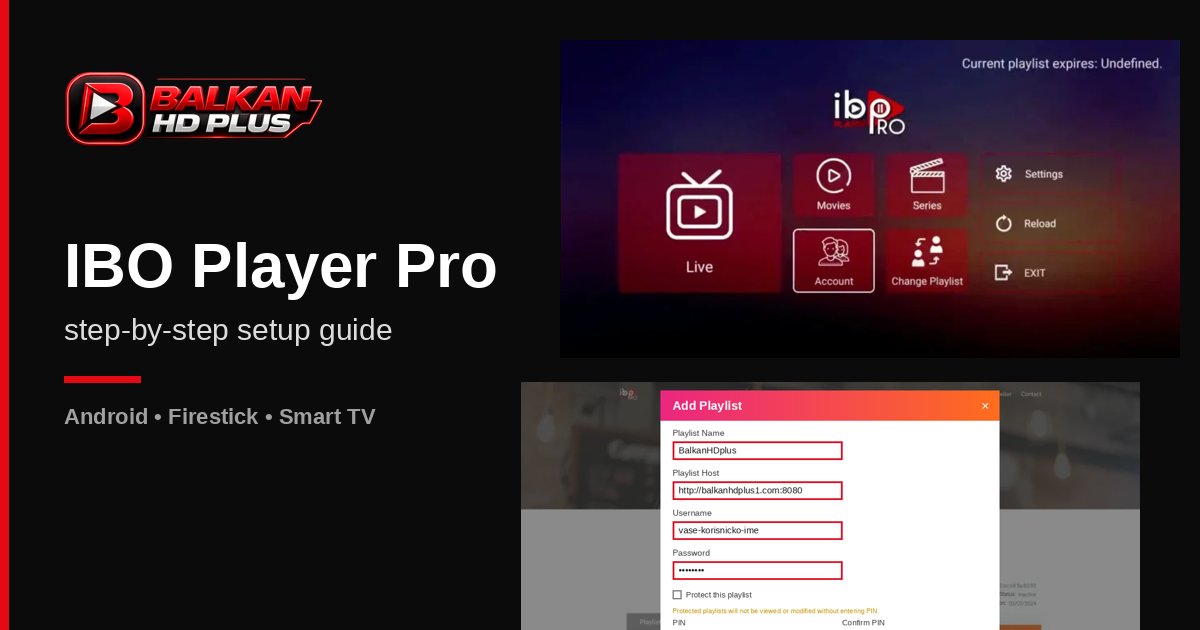
- Doesn't work: Samsung (Tizen) and LG (webOS) TVs, iPhone and iPad. For Samsung and LG we recommend Nanomid Player or IBO Player Pro, for iPhone IPTV Smarters Pro.
- Phone: TiviMate is built for a remote and a TV – it's impractical on a phone.
Free version or TiviMate Premium
The free version is enough for one playlist. Premium unlocks several playlists, custom favourites, catch-up, recording, multi-view and manual channel sorting. It's sold as a yearly or one-time licence for up to 5 devices, bought through the TiviMate Companion app on an Android phone. Check current prices on tivimate.com. Premium is not part of the BalkanHD+ subscription – it's paid to the app developer.
What you need
- Login details from WhatsApp: server http://balkanhdplus1.com:8080, username and password.
- Stable internet – about 20 Mbps for Full HD (how much internet).
Ready to start?
First month €6. After that, €10/month or €100/year. No obligation to renew.
Step 1: Install TiviMate
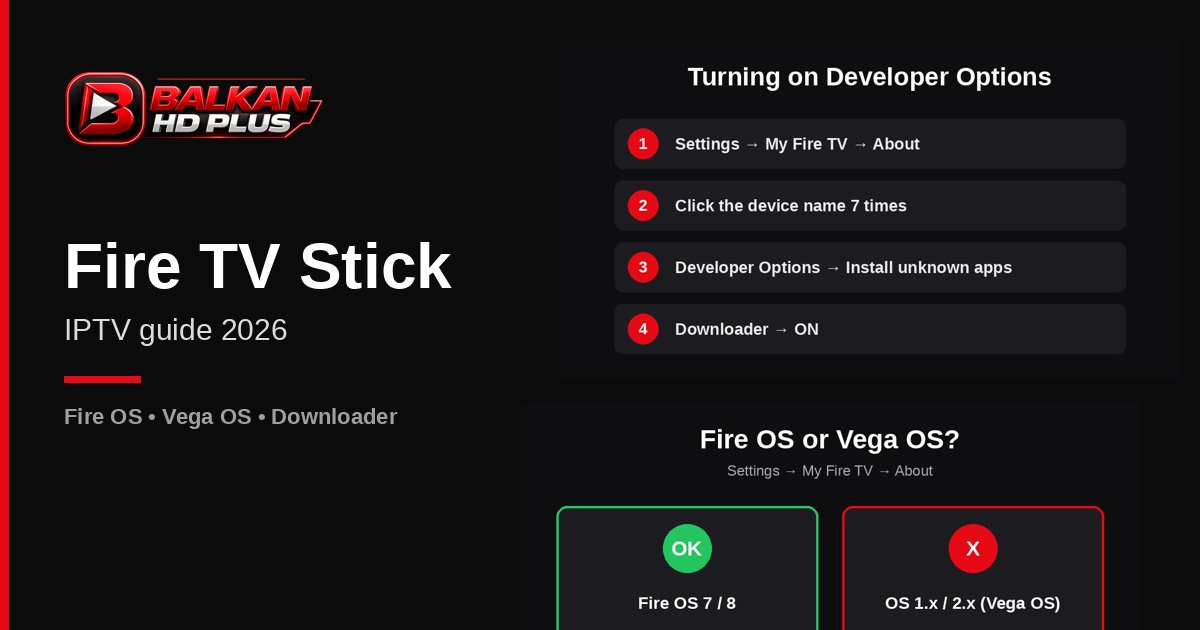
On Android TV and Google TV open Google Play, search for “TiviMate IPTV Player” (developer AR Mobile Dev) and install it. On the Fire TV Stick the app isn't in the Amazon Appstore – install it with Downloader from the official site tivimate.com. How to enable Developer Options and Downloader is in our Firestick guide.
Adding the BalkanHD+ list
Step 2: Add playlist
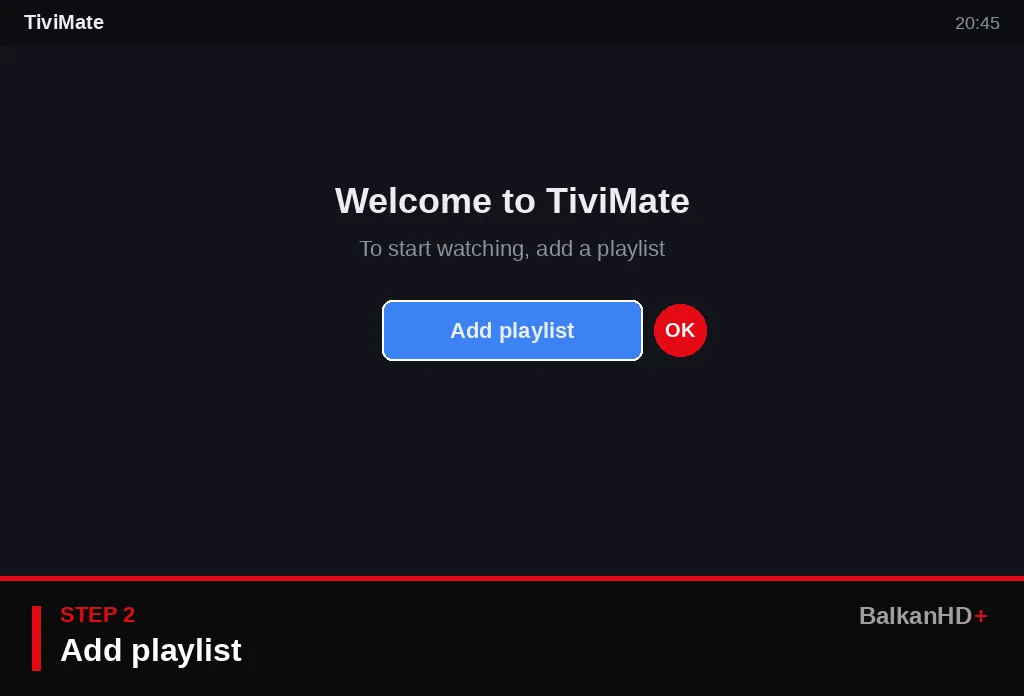
On first launch TiviMate shows an Add playlist button. Select it and press OK on the remote.
Step 3: Choose Xtream Codes
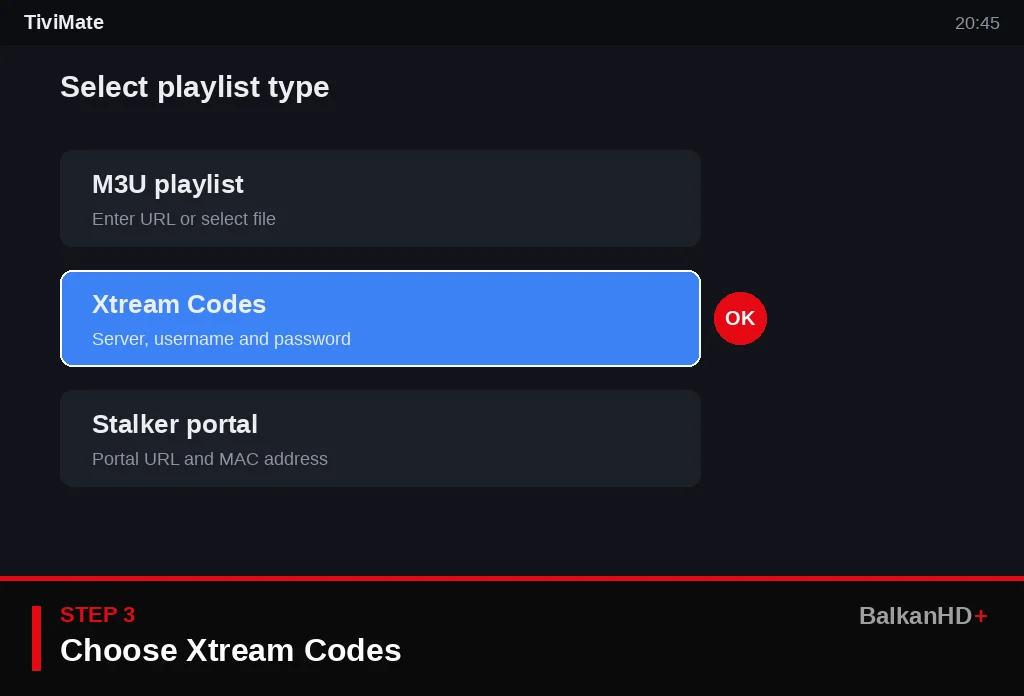
You can pick M3U playlist, Xtream Codes or Stalker portal. We recommend Xtream Codes: less typing, and the TV guide, movies and series load automatically.
Step 4: Enter server, username and password
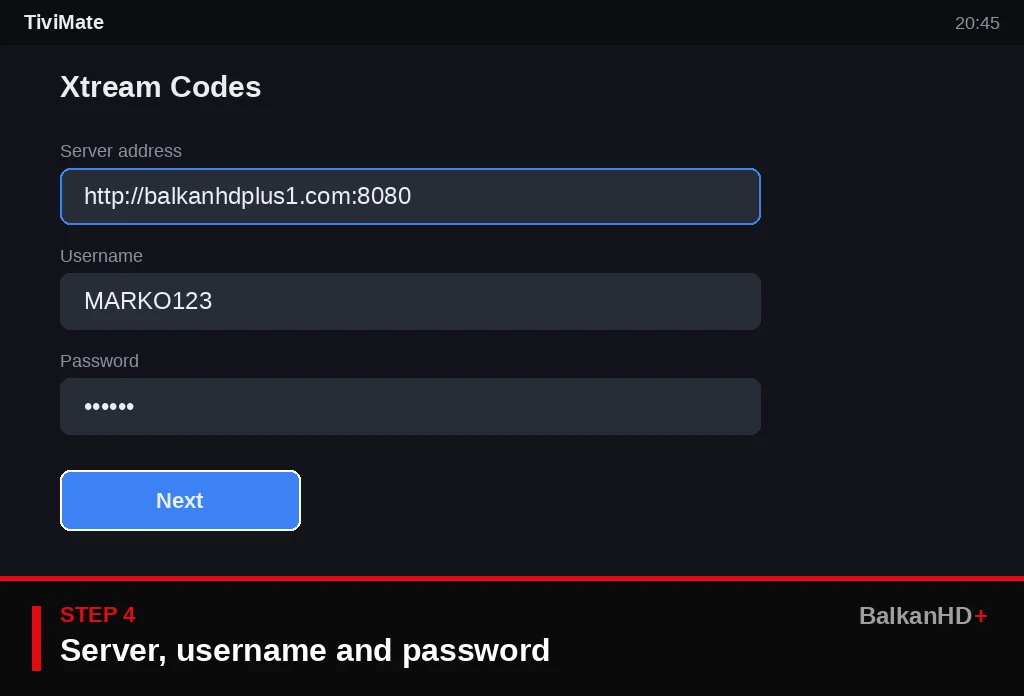
In Server address enter http://balkanhdplus1.com:8080, then your Username and Password exactly as received (mind upper and lower case). Select Next.
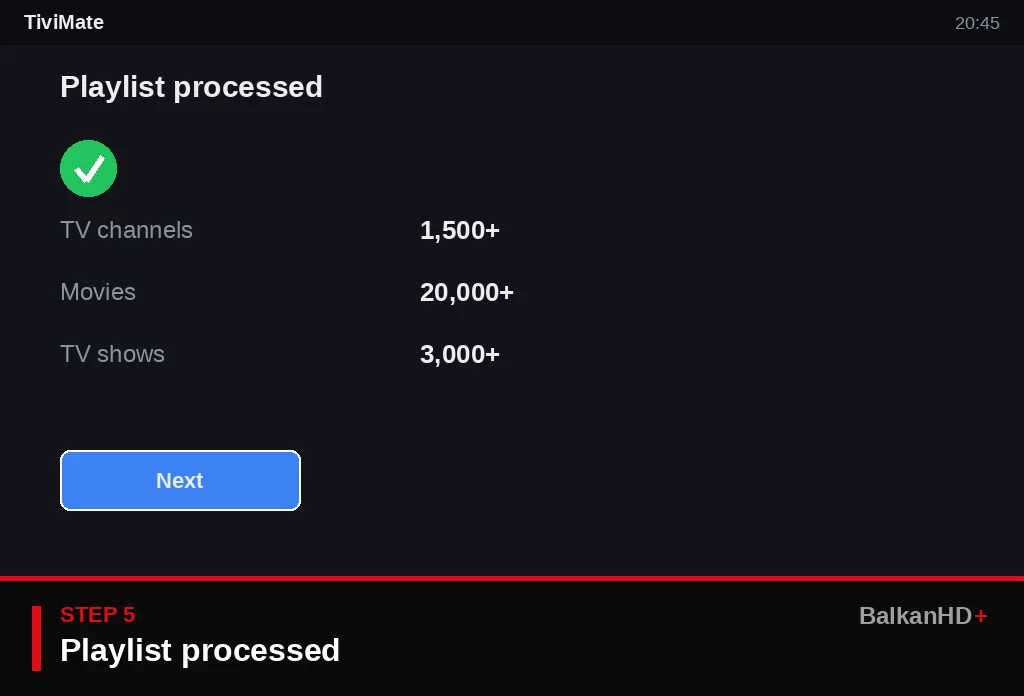
Step 5: Playlist processed
After a few seconds TiviMate shows how many channels, movies and series were found. If you get an error, check the details from step 4 or message us on WhatsApp.
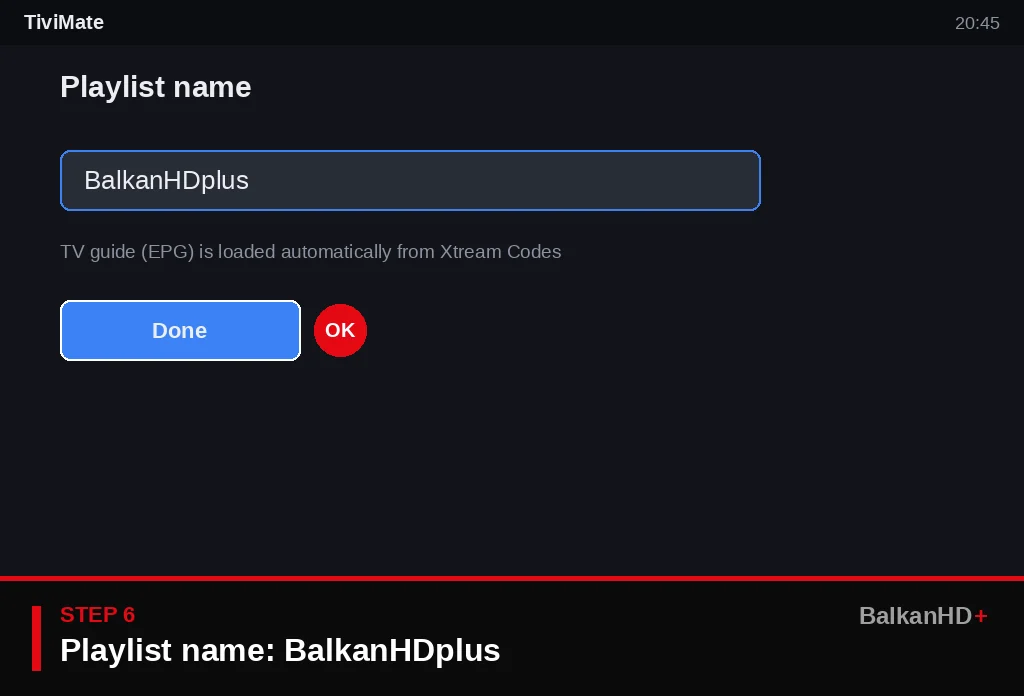
Step 6: Name the playlist BalkanHDplus
Type BalkanHDplus and select Done. With Xtream Codes the TV guide is set up automatically.
TV guide, EPG and favourites
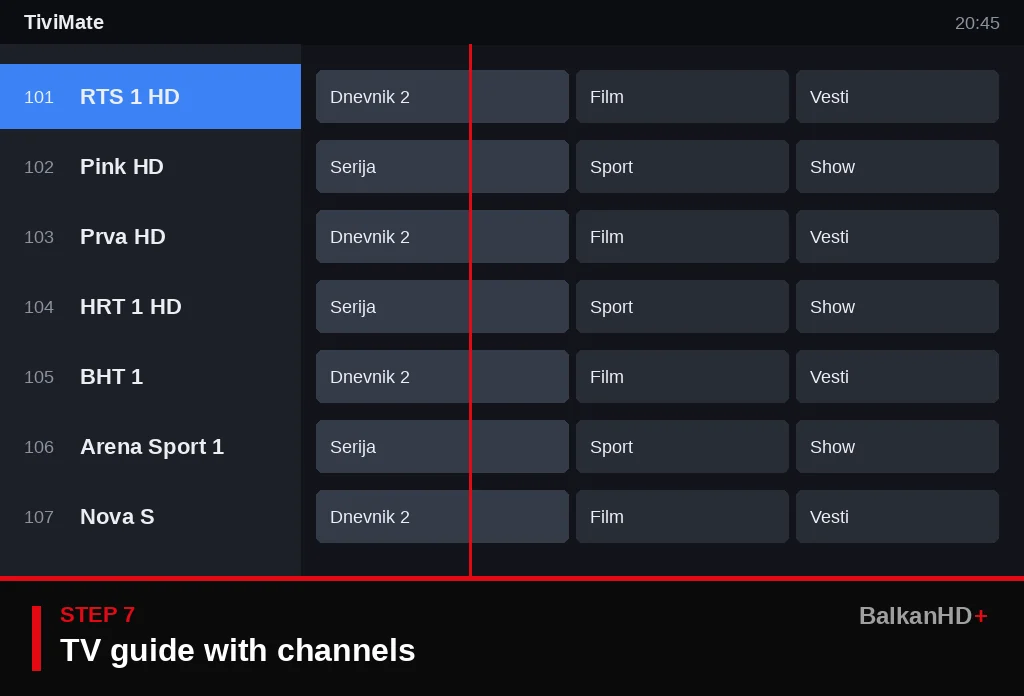
Step 7: Watch channels in the TV guide
The TV guide opens with channels on the left and the schedule on the right – RTS, Pink, Prva, HRT, BHT, Arena Sport. Use the arrows to pick a channel and OK to play.
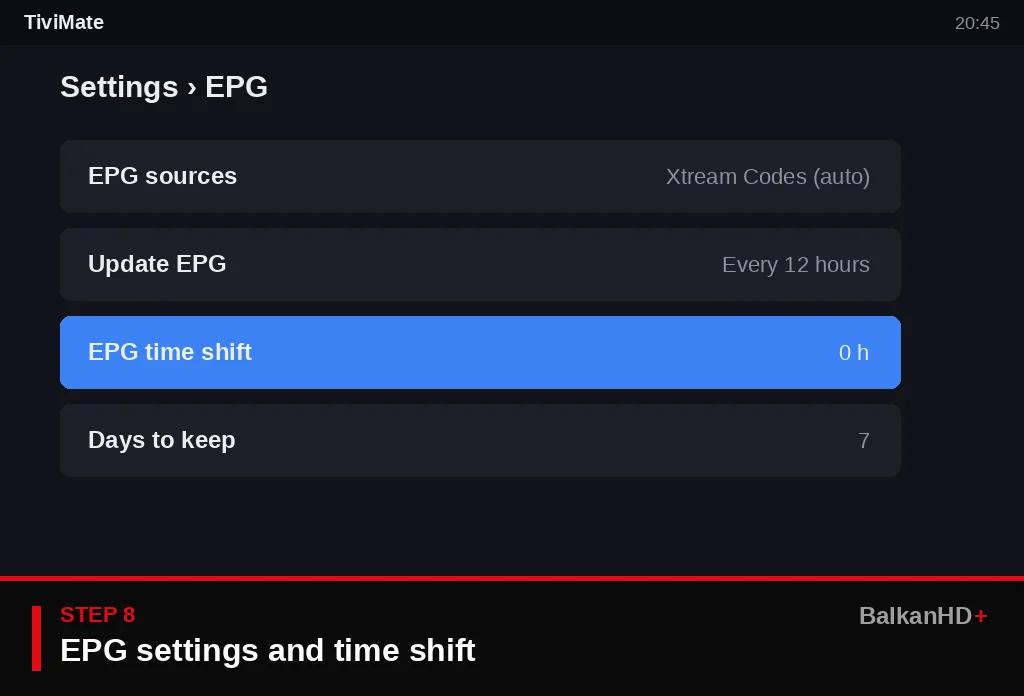
Step 8: Set EPG and time
If the schedule is an hour off, go to Settings › EPG and adjust EPG time shift. Here you also choose how often the guide updates. If you added the list as M3U, add the EPG link we send you here.
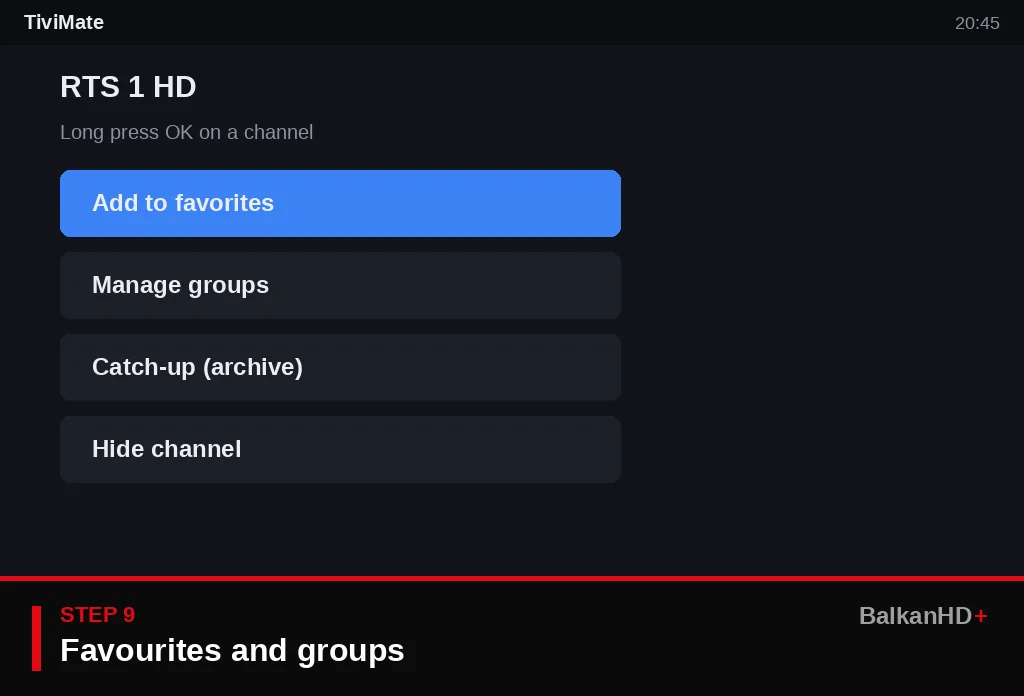
Step 9: Favourites and groups
Long-press OK on a channel and choose Add to favorites. In Manage groups hide the groups you don't watch. Catch-up (archive) works on supported channels up to 7 days back.
Common TiviMate problems
- “Playlist error” or 0 channels – wrong server, username or password; check spaces and capital letters.
- Picture freezes in the evening – connect by Ethernet or 5 GHz WiFi; more in IPTV buffering – 12 fixes.
- No TV guide – Settings › EPG › Update EPG; for M3U add the EPG link.
- Schedule shifted by an hour – EPG time shift (step 8).
Find guides for every device and app on the tutorials page, and the app comparison in best IPTV app 2026.
TiviMate FAQ
Does TiviMate work on Samsung and LG TVs?
No. TiviMate only runs on Android TV, Google TV and Fire TV. On Samsung and LG use Nanomid Player or IBO Player Pro.
Is TiviMate free?
The basic version is free. Premium (several playlists, catch-up, recording, multi-view) is paid to the developer via the TiviMate Companion app.
Xtream Codes or M3U in TiviMate?
Xtream Codes – faster setup and automatic TV guide, movies and series.
How do I install TiviMate on a Fire TV Stick?
With Downloader from the official site tivimate.com, because TiviMate is not in the Amazon Appstore.
Why is the TV guide an hour off?
Adjust EPG time shift in Settings › EPG.
No login yet? Message us on WhatsApp – the trial month is 6€ and you get your TiviMate details within minutes.