
STEP BY STEP
Detailed tutorials for every platform
You watch through supported IPTV apps (Xtream or M3U access). Compatibility depends on the device model, system version and app. MAG and Enigma 2 devices are not supported. Your BalkanHD+ subscription does not include any app fees. Some apps are free, while others are paid separately to their developer. We are not affiliated with these app developers.
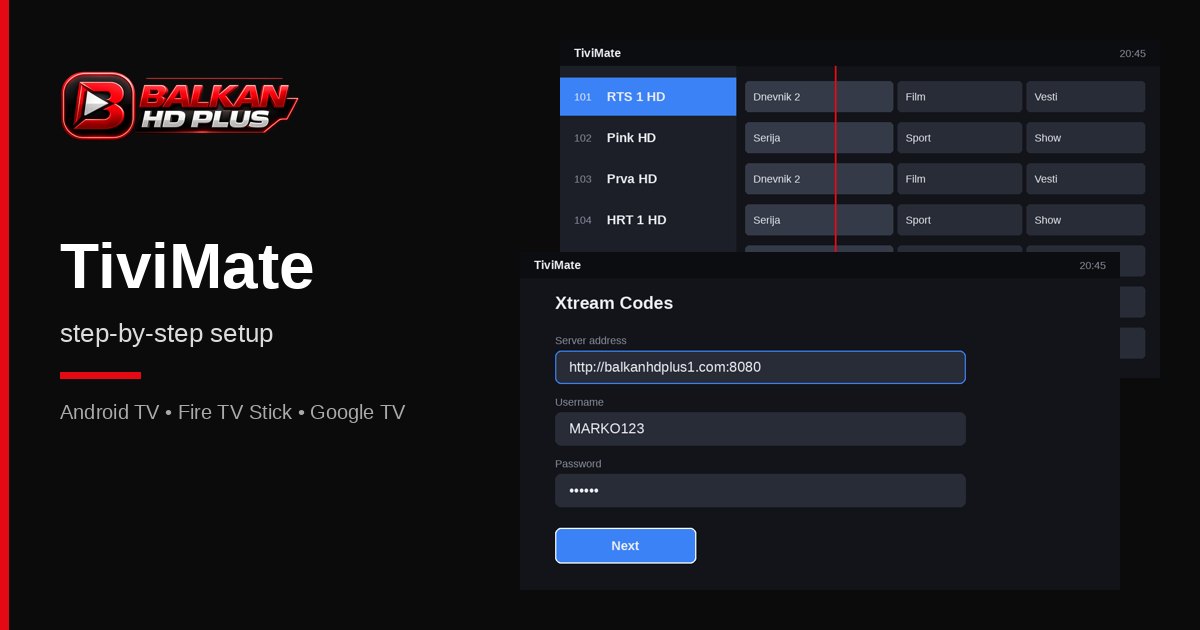
TiviMate Setup Guide 2026 – with Screenshots (Fire TV, Android TV)
Add BalkanHD+ via Xtream Codes, set up the TV guide (EPG), favourites and catch-up in 9 steps – plus Premium and supported devices.
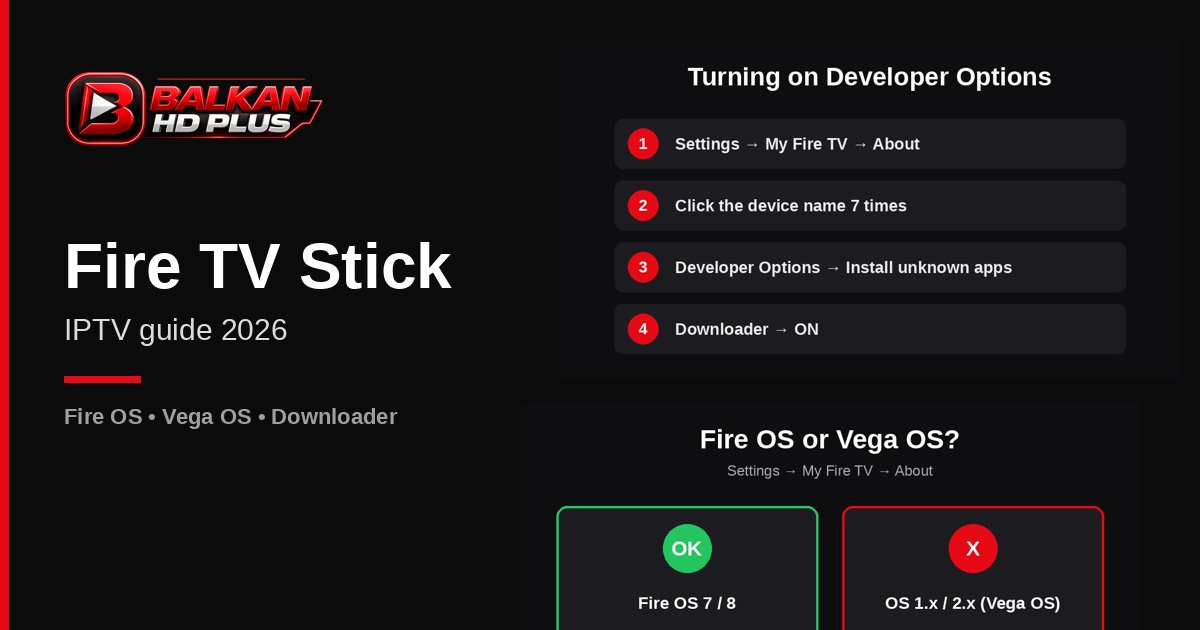
IPTV on Fire TV Stick 2026 – Complete Guide (Fire OS, Vega OS, Downloader)
How to check whether your Fire TV Stick still supports IPTV apps, turn on Developer Options and set up BalkanHD+ – plus which model to buy.
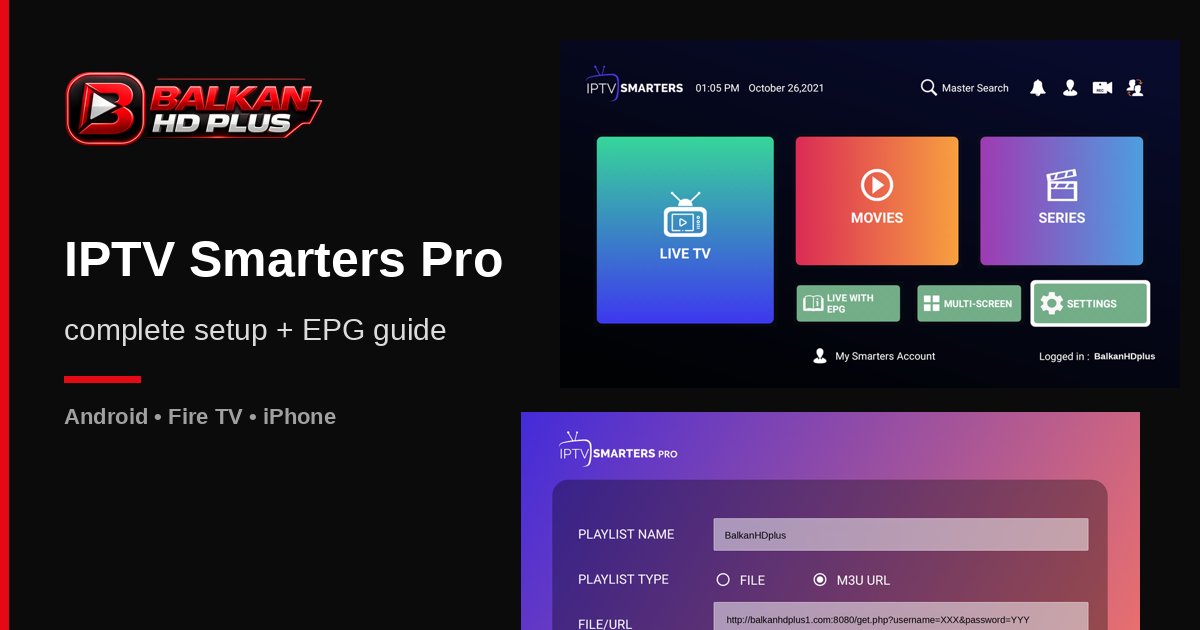
IPTV Smarters Pro – Complete Setup with TV Guide (Guide with Screenshots)
Add your BalkanHD+ list and EPG in 14 steps – plus what to watch out for with app copies and on Samsung/LG TVs.
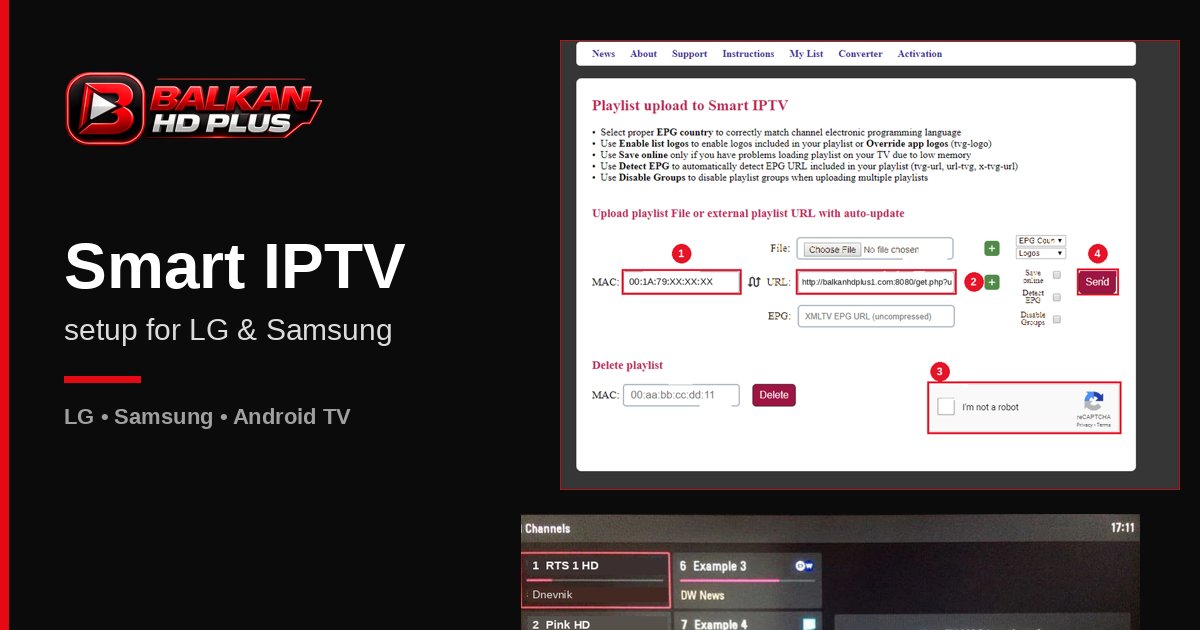
Smart IPTV Setup on LG & Samsung TV – How to Add Your Channel List (with Screenshots)
Add your BalkanHD+ list to Smart IPTV in 3 minutes using your TV's MAC address and siptv.eu/mylist.
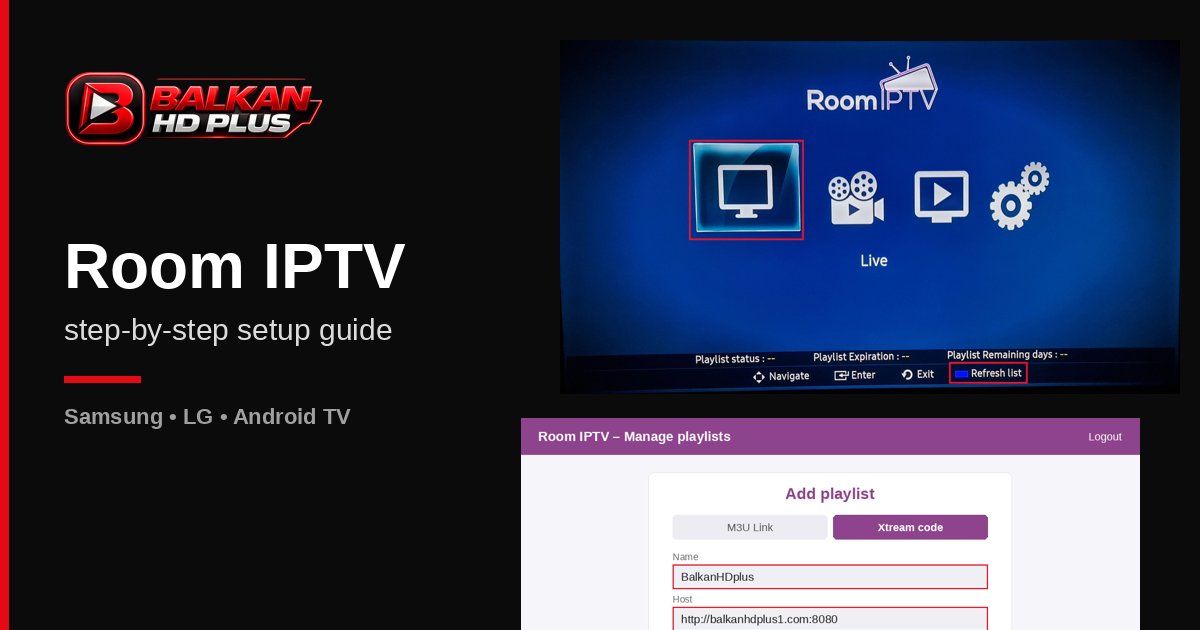
Room IPTV Setup on Smart TV – 5-Step Guide with Screenshots
Add your BalkanHD+ list to Room IPTV with your Device MAC and Device Key on manage.roomiptv.com – no typing links with the remote.
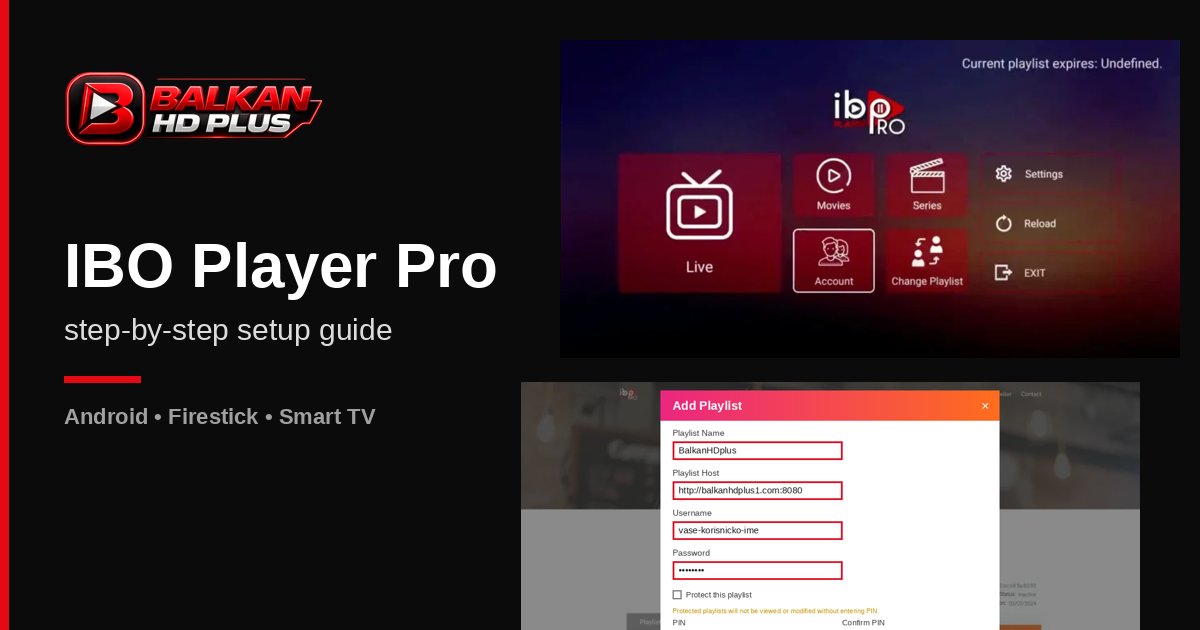
IBO Player Pro Setup – Android, Fire TV & Smart TV (Guide with Screenshots)
Add your BalkanHD+ list to IBO Player Pro with your MAC address and Device Key – and find the right website for your IBO app.
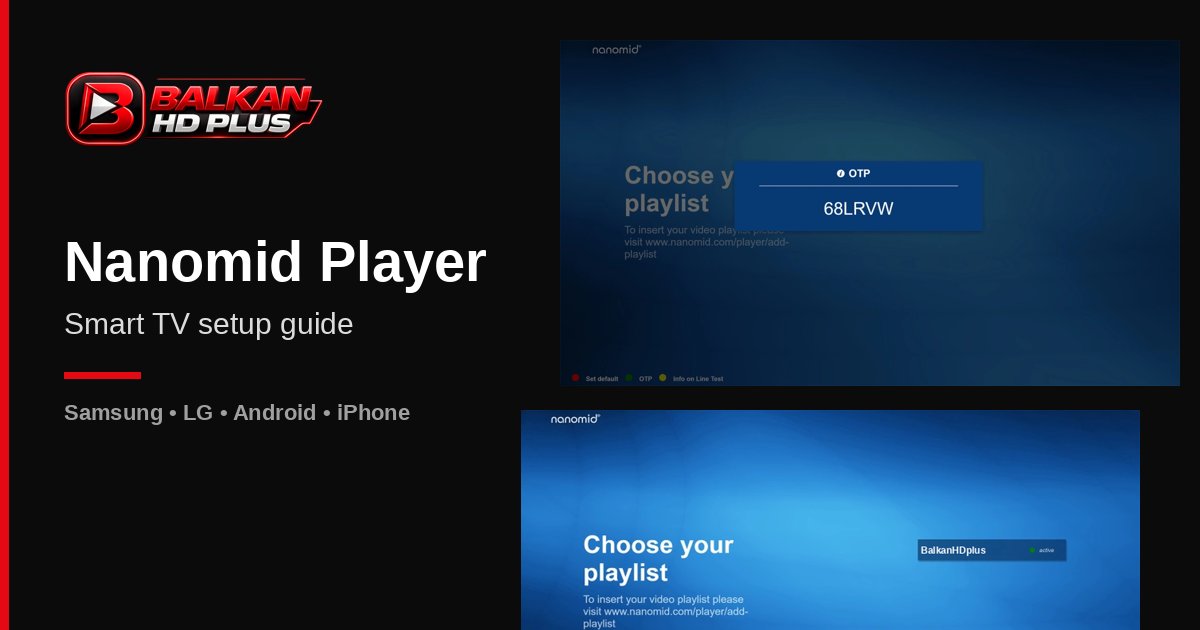
Nanomid Player Setup on Samsung & LG TV – Guide with Screenshots
Add your BalkanHD+ list to Nanomid Player in 3 minutes with an OTP code – no typing links with the remote.
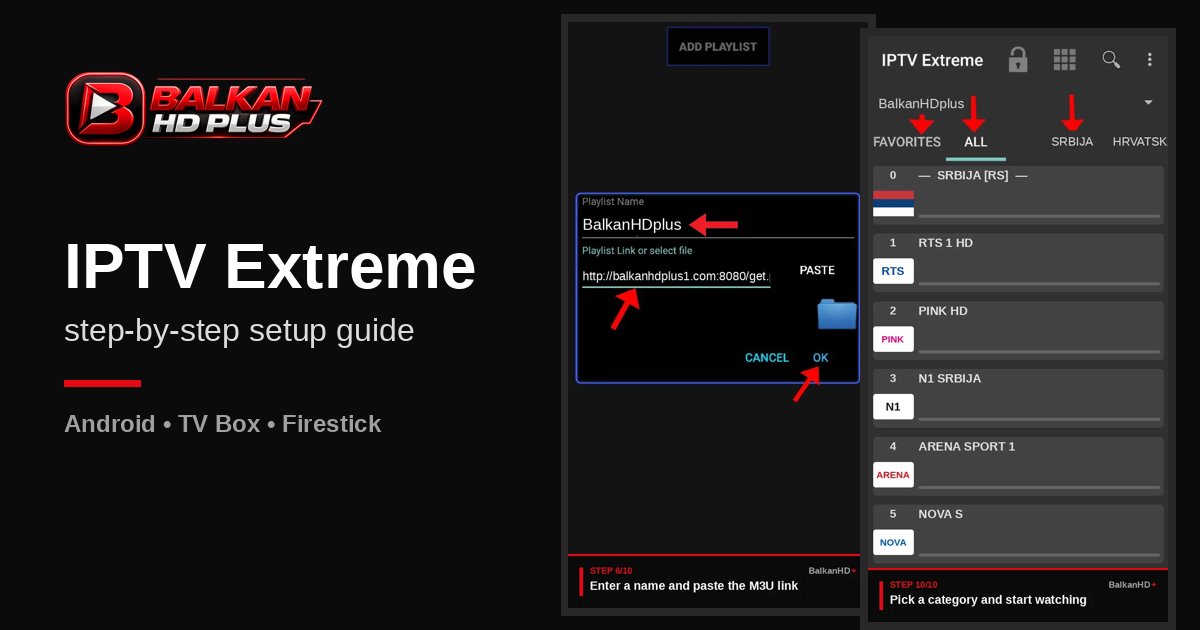
IPTV Extreme Setup – Step-by-Step Guide with Screenshots
Set up IPTV Extreme in 5 minutes on an Android phone, TV box or Fire TV Stick and watch Balkan channels anywhere in Europe.
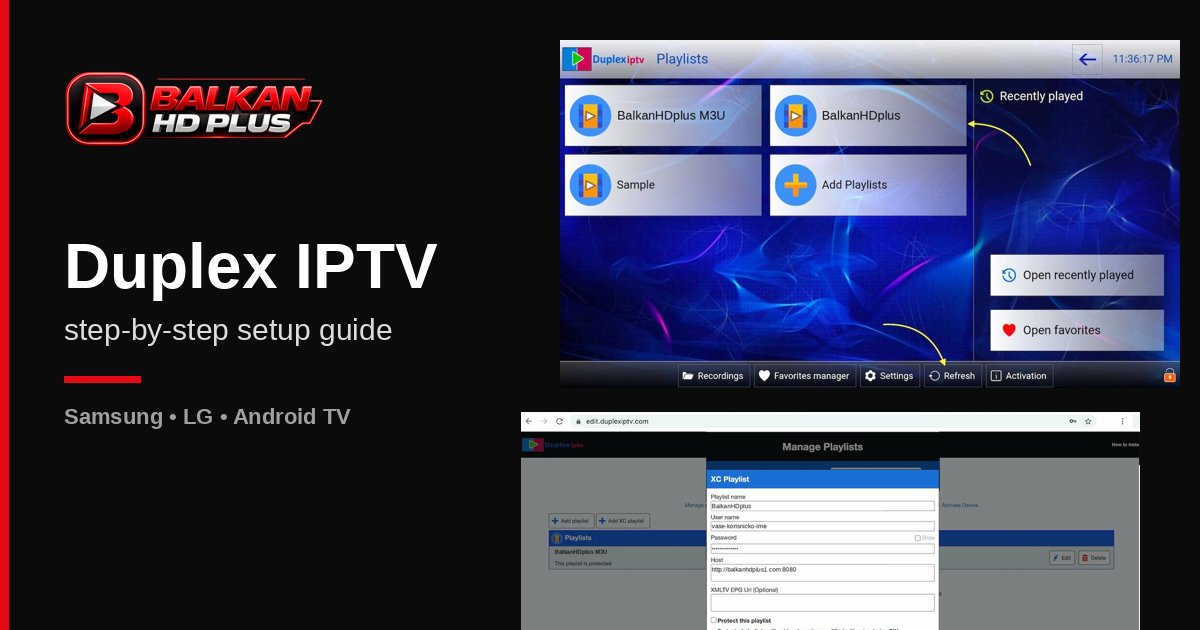
Duplex IPTV Setup – Guide with Screenshots (Samsung, LG, Android TV)
Add your BalkanHD+ list to Duplex IPTV in 5 minutes with your Device ID and Device Key – no typing links with the remote.
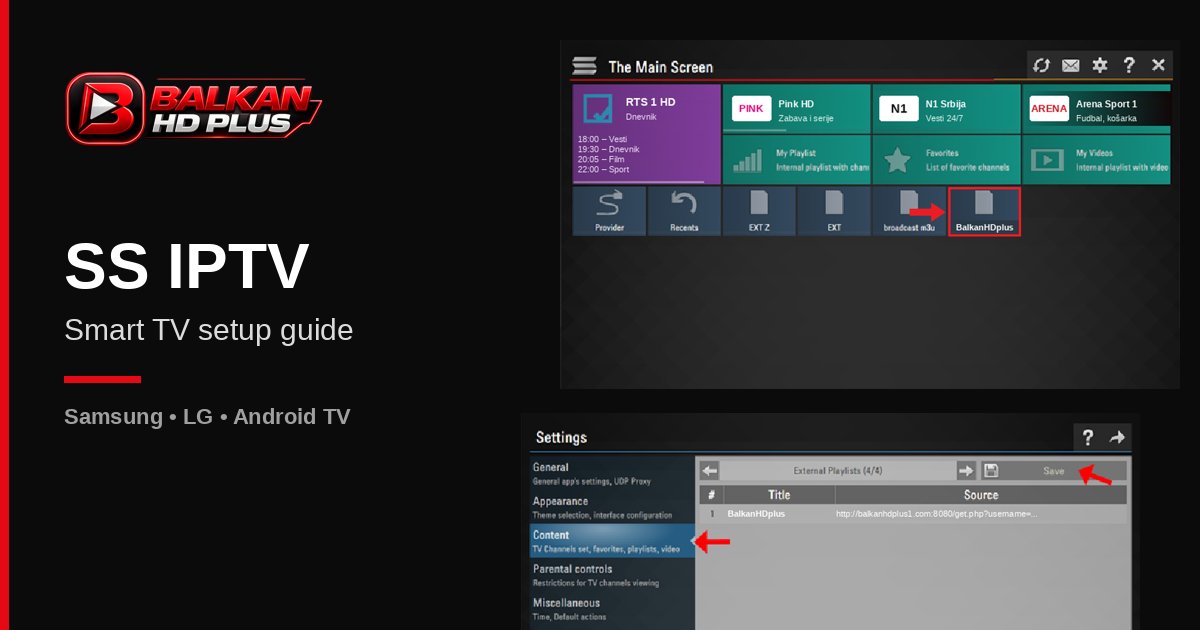
SS IPTV Setup on Smart TV – Guide with Screenshots (Samsung & LG)
Two ways to add your BalkanHD+ list to SS IPTV: yourself with the M3U link, or with a code you send us on WhatsApp.
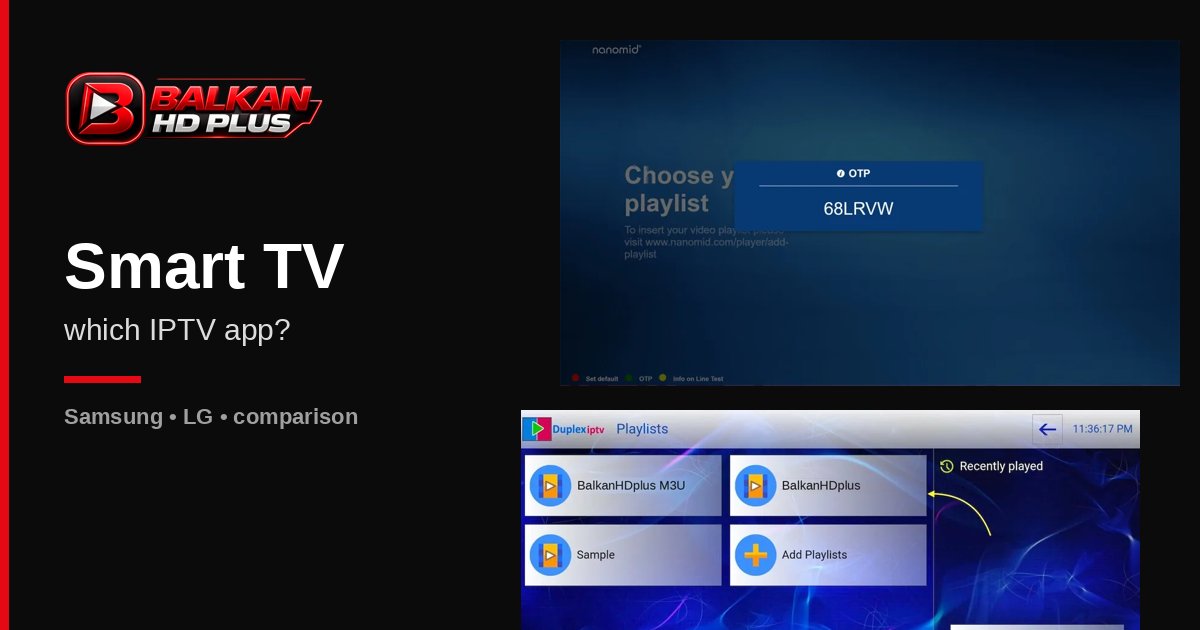
IPTV on Smart TV – Which App for Samsung and LG? (Comparison Table)
Every IPTV app for Samsung and LG in one place: which TVs they support, what they cost and how the list is added – with a guide for each.
IPTV Not Working? Common Problems and Fixes (2026 Guide)
Errors 401 and 403, black screen, buffering, empty EPG, audio delay and expired activation – the cause and exact fix for every device.