IPTV on Smart TV – Which App for Samsung and LG? (Comparison Table)
Every IPTV app for Samsung and LG in one place: which TVs they support, what they cost and how the list is added – with a guide for each.
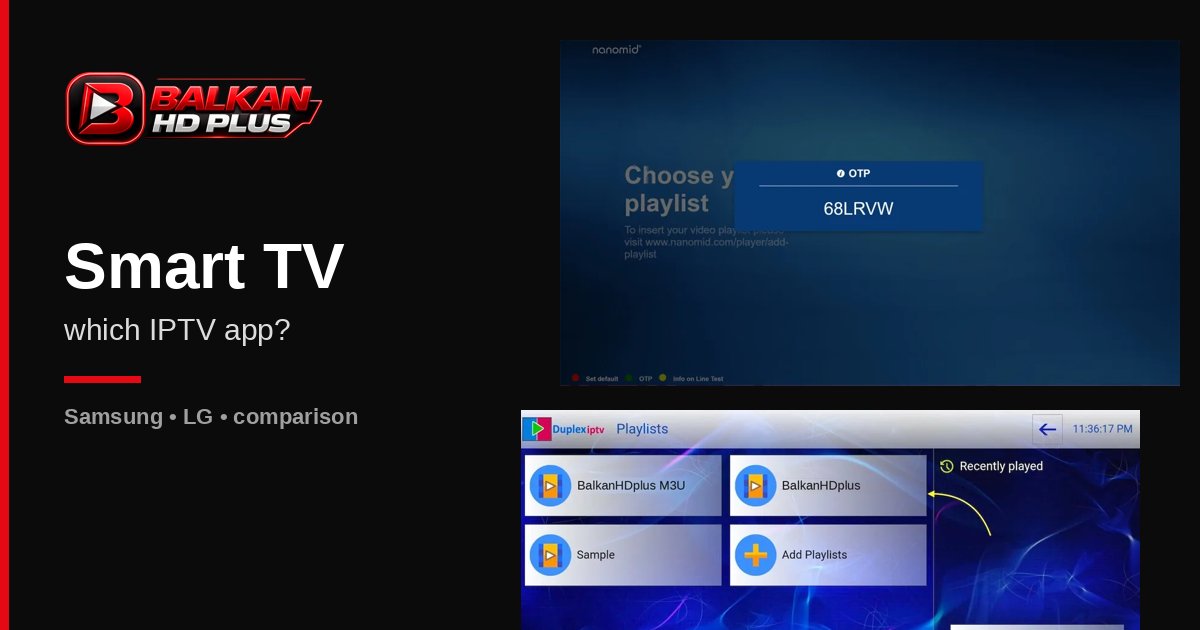
Note about apps: Your BalkanHD+ subscription does not include any app fees. Some apps are free, while others are paid separately to their developer. We are not affiliated with these app developers.
The question we get most on WhatsApp: “I have a Samsung (or LG) – which app should I install?” The answer depends on your TV's year and model. Here we have gathered every app our customers use on Smart TVs in one place, with honest pros and cons and a link to the full step-by-step guide with screenshots for each one.
Which app should I choose? – the short answer
- Samsung from 2016 onwards: Nanomid Player or Duplex IPTV.
- LG (webOS): Nanomid, Duplex or Smart IPTV.
- You do not want to pay for an app: SS IPTV.
- Older TV (before 2014) or the app is not in the store: a Fire TV Stick or Android TV box with IPTV Extreme.
Comparison table of apps for Samsung and LG
| App | TVs | How the list is added | App price | Our take |
|---|---|---|---|---|
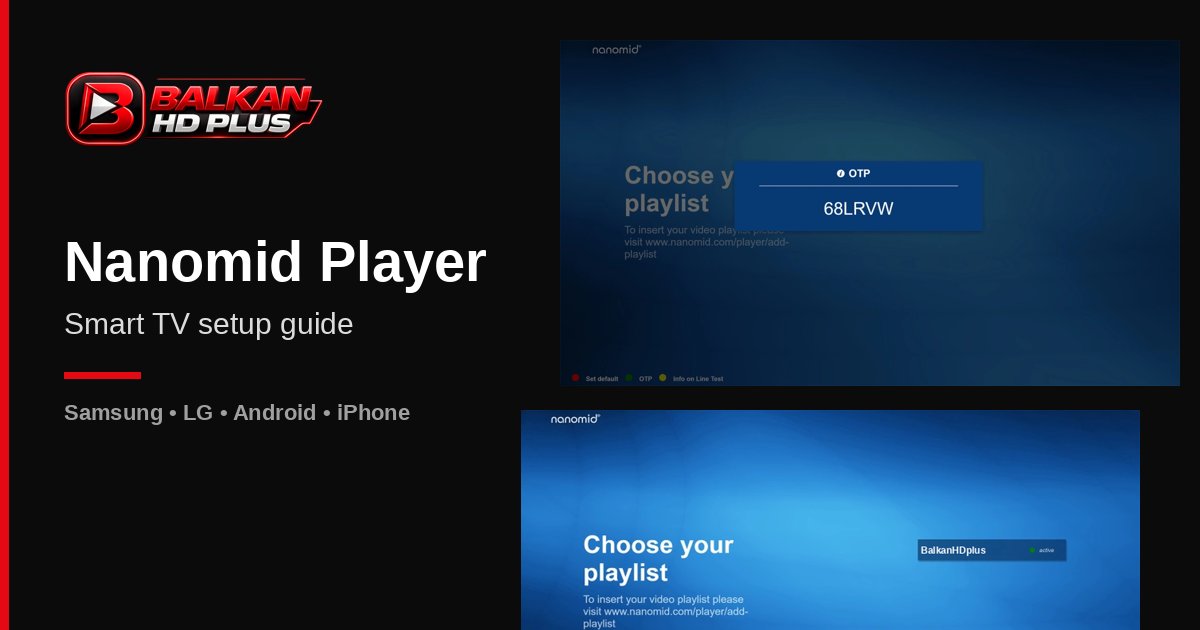
| Nanomid Player | Samsung 2014+ (not J), LG webOS 3+ | OTP code + nanomid.com | 9.99€ / 3 years | Easiest for Samsung |
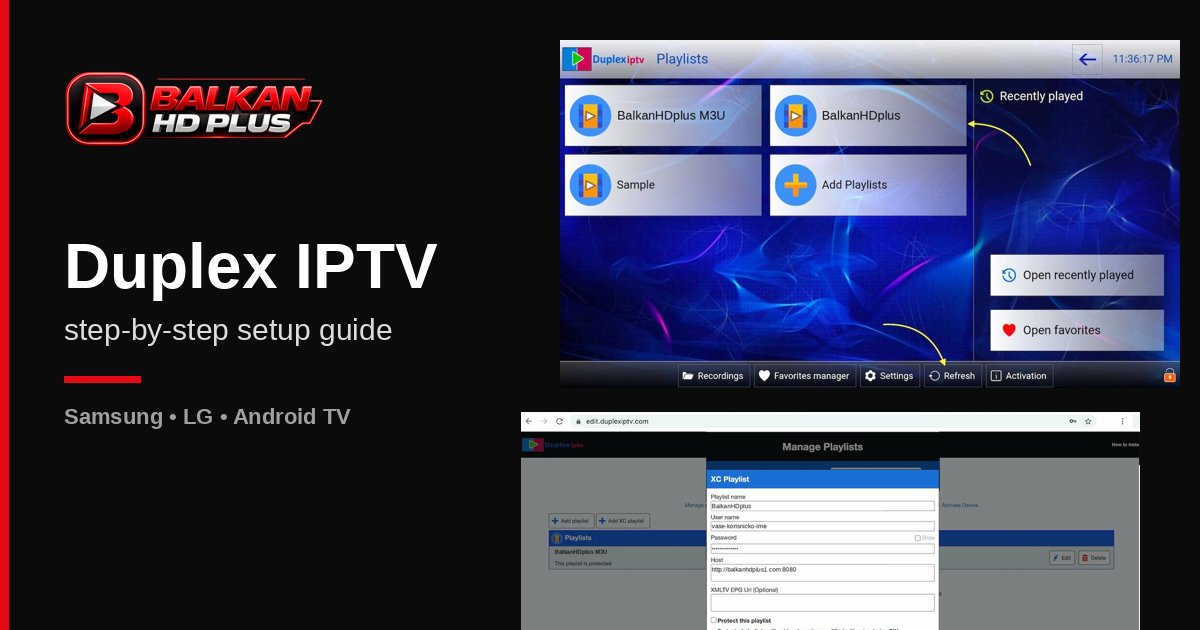
| Duplex IPTV | Samsung, LG, Android TV | Device ID + Key on website | Trial, then one-off | Nicest menu |
| IBO Player Pro | Samsung, LG, Android | MAC + Device Key on website | Trial, then activation | Watch out for copies |
| SS IPTV | Samsung, LG | M3U link or code | Free | No cost |
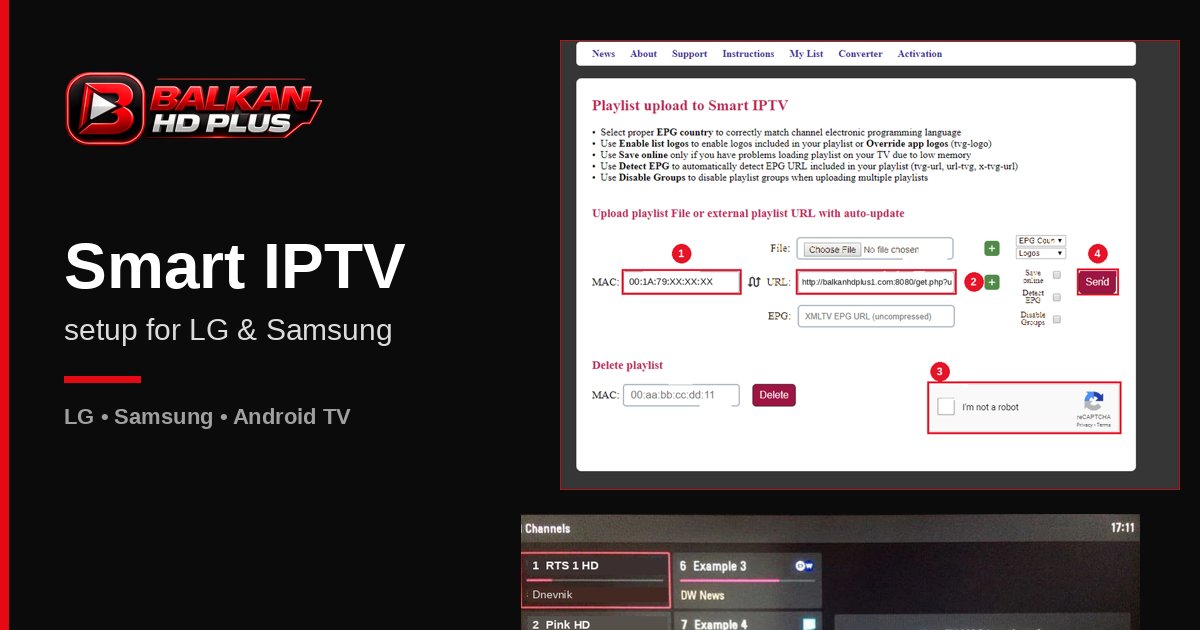
| Smart IPTV | LG (Samsung rarely) | MAC + siptv.eu/mylist | 7 days, then ~5.49€ | Good for LG |
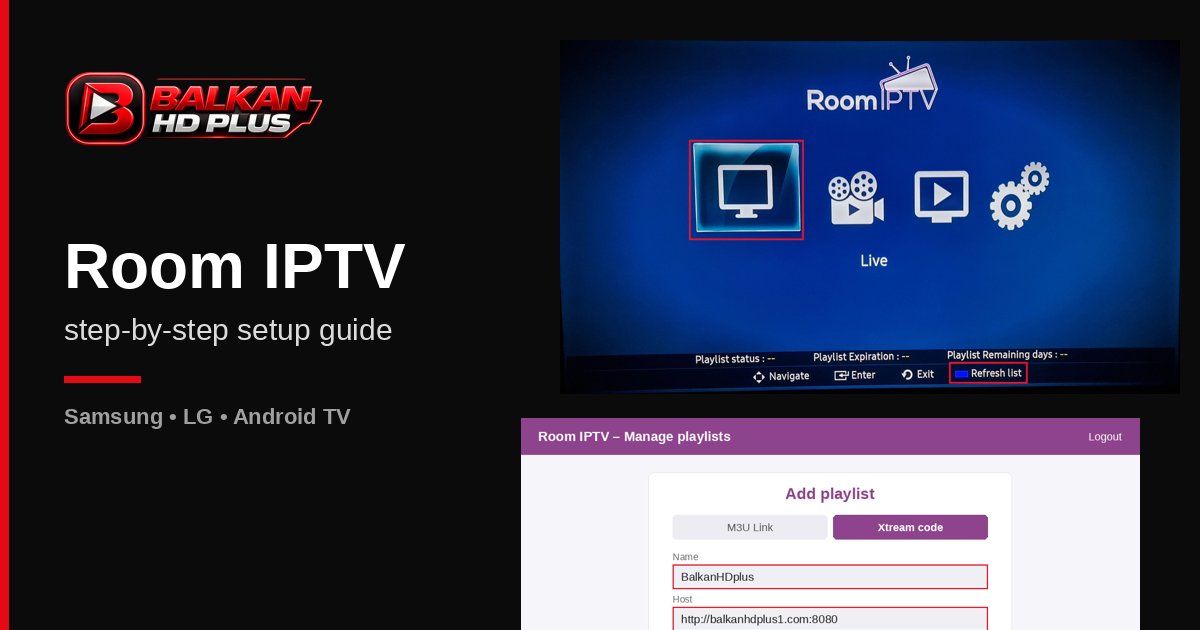
| Room IPTV | Samsung, LG, Android | MAC + Key on website | Check in the app | Simple menu |
| IPTV Smarters Pro | Not recommended for Samsung/LG | M3U or Xtream | Basic version free | Better on Android |
App prices are paid to their developers, not to us, and can change – always check on the app's website. Your BalkanHD+ subscription (channels, movies, series) is the same whichever app you choose.
Ready to start?
First month €6. After that, €10/month or €100/year. No obligation to renew.
How to find your TV's year and system
Samsung
Open Settings → Support → About This TV and look at the model code, e.g. UE55AU7100. The letter after the screen size gives the year: H = 2014, J = 2015, K = 2016, M = 2017, N = 2018, R = 2019, T = 2020, A = 2021, B = 2022, C = 2023, D = 2024. The model code is also on the sticker on the back of the TV.
LG
Open Settings → General → About This TV (on some models Support → TV Information). It shows the webOS version. Most apps need webOS 3.0 or later, which LG TVs have from 2016 onwards.
Three tips that fix 90% of Smart TV problems
1. Cable instead of WiFi
The WiFi in TVs is weaker than in phones. If the picture freezes, first try a network cable from the router to the TV – it usually fixes things straight away. More fixes: IPTV buffering – 12 solutions.
2. Correct date and time
With the wrong date many apps cannot download the list or the TV guide. Set the time to update automatically from the internet.
3. Restart from the mains
Switching off with the remote only puts the TV on standby. If an app hangs, unplug the TV for 30 seconds and switch it back on.
When a Fire TV Stick or TV box is the better choice
If your TV is older than 2014, none of the apps are in the store, or you want to take the device with you (on holiday, for example), a Fire TV Stick or Android TV box is the safest option. It plugs into any HDMI port and apps like IPTV Extreme run on it with no activation. Guide: IPTV on Fire TV Stick.
Frequently Asked Questions
What is the best IPTV app for Samsung TV?
For most Samsung TVs from 2016 onwards we recommend Nanomid Player – it is the easiest to set up because you send the list from your phone with an OTP code.
What is the best IPTV app for LG TV?
Nanomid, Duplex and Smart IPTV all work very well on LG. If you do not want to pay for an app, choose SS IPTV.
Do I have to pay for the app?
Not necessarily. SS IPTV is free. The others have a trial and then a small one-off or multi-year fee to the developer.
Can I use one subscription on two TVs?
Your subscription is tied to your package. To watch on two TVs at the same time, message us and we will suggest the right package.
How much does BalkanHD+ cost?
You can start with a paid 6€ trial month. All packages are on the pricing page.
Ready to start?
First month €6. After that, €10/month or €100/year. No obligation to renew.
Not sure? Send us your TV model on WhatsApp and we will tell you which app suits it best. All guides are on the Tutorials page.